CGMV Crafting for RPG Maker MV
Hi all, introducing CGMV Crafting!
This plugin adds a simple crafting system to your game that allows you to combine ingredients and tools into products.
Inputs & Outputs
This plugin allows recipes to use two different types of inputs, ingredients and tools. Ingredients are consumed on craft, while tools are not consumed on craft but still required. Think of something like grinding an herb, your player may need a pestle and mortar and an unground herb, but only the unground herb would be used up in the process.
This plugin also allows two outputs, products and fail products. Products are what the player gets back from crafting after a successful craft, and fail products are what the player gets back from crafting after a failed craft. If you set the craft success rate to 100%, you don't need to worry about fail products.
Scene
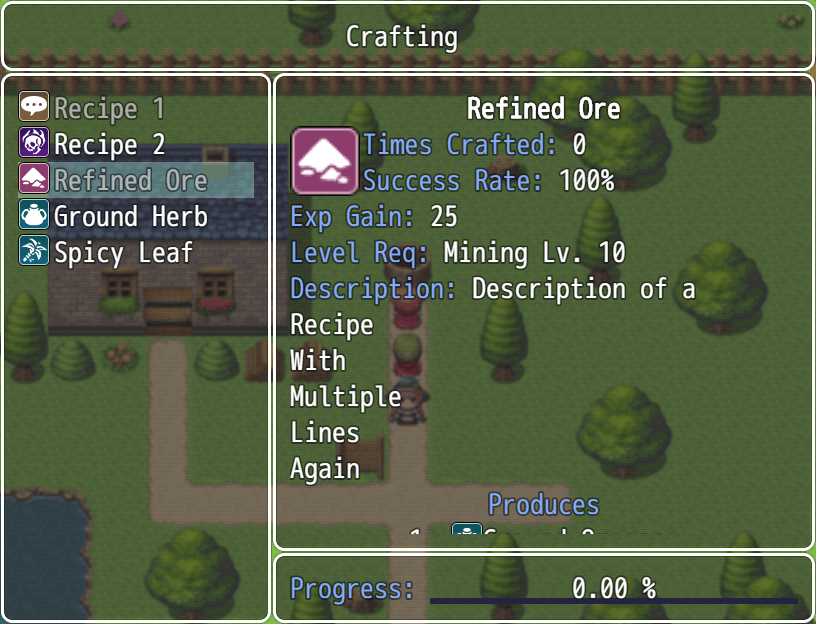
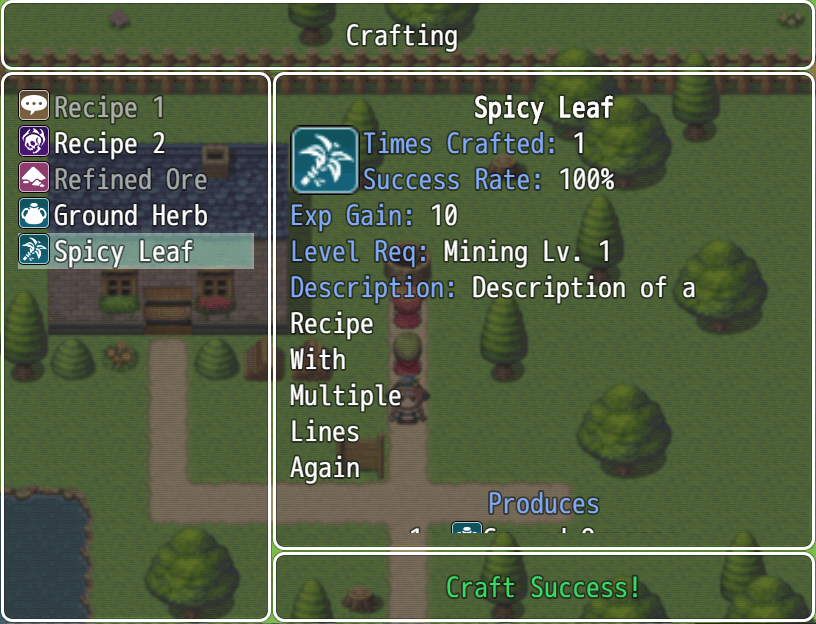
The crafting scene shows a lot about each recipes, including a short description, how many times it was crafted, the ingredients and tools required and the output of the craft. See below for how it can look:
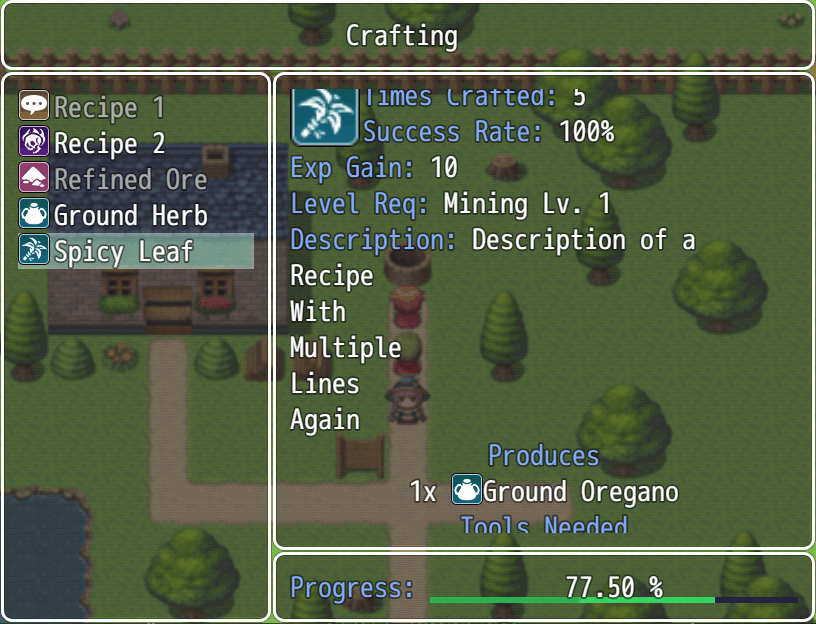
As you can see from the test screenshot above, if the recipe has too much information to display in the window, the window can be scrolled up or down.
It also shows the progress or result of the latest craft.
You can call the scene with only certain types of recipes included, for example if you only want the Cooking recipes to show up at your campfire but want the Blacksmithing recipes to show up at your forge.
Integrations
This plugin integrates with CGMV Professions to add things such as level requirements to craft certain recipes (for example, if you do not want a level 1 Smith to be able to craft the Ultimate Sword). Crafting can also automatically provide profession experience as well to let your player level these skills up. This integration is optional and this plugin can be used without this plugin installed.
Quick Facts
✅ RPG Maker MV
✅ No obfuscation
✅ No AI used at any point in the creation of this plugin
Looking for the RPG Maker MZ version instead? Find it here.
Please note that Casper Gaming still provides help using these MV plugins but no longer actively develops them and is focused 100% on MZ at this time. These CGMV plugins are put on itch.io to help people using MV find plugins.
Support
Casper Gaming provides quick support to any user who needs it. You can leave a comment below with your question or issue, I try to check my itch.io at least once a day. For even quicker support, you can come into the Casper Gaming Discord and ask for help in the #support channel.
Credit & Requirements
Please see terms of use here: Terms of Use
Requires CGMV Core plugin: CGMV Core
Happy RPG Making!

Download
Click download now to get access to the following files:
Comments
Log in with itch.io to leave a comment.
I noticed that whether an item is greyed out in the menu doesn’t change as you gain the necessary ingredients from crafting something else. That should probably be fixed.
How much can the information window content be customised?
Hi, you can change the text labels and the colors used in the information window, for other customizations you would need to edit the code.
This is fantastic! I'd love to see this for MZ as well. My only minor criticism is that when it says "Success" in the Crafting Demo, if you click again, it crafts again, when I just wanted it to return to the selection menu. Usually I expect when a prompt comes up and then I click, it returns to the original menu, like in Pokemon when you use a potion on a selected Pokemon it says how much it heals for or whatnot and then it goes back to the item menu. Otherwise I absolutely love this!
Hi, I do have an MZ version as well: https://casper-gaming.itch.io/cgmz-crafting